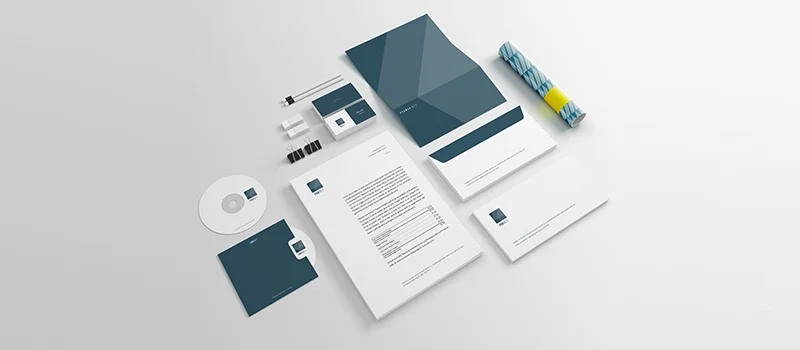
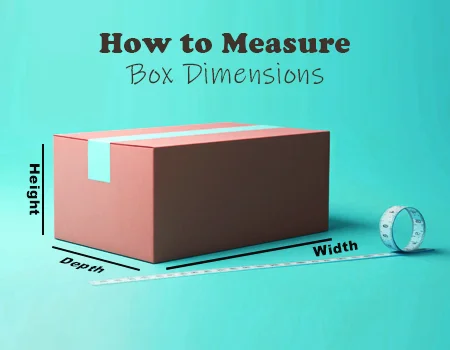
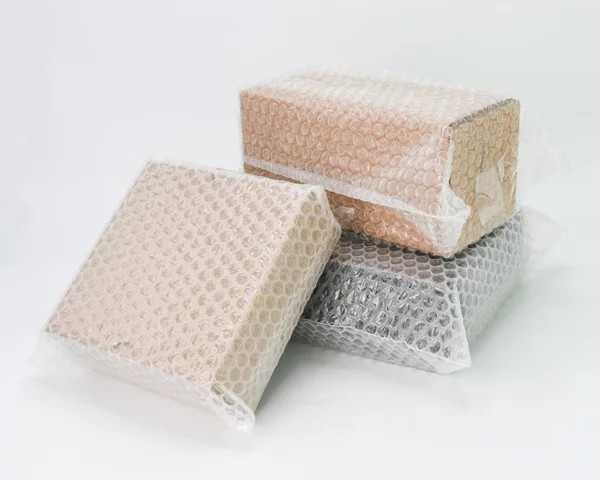
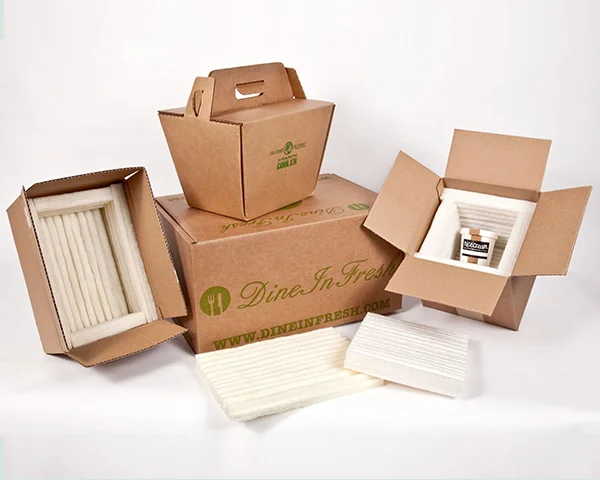
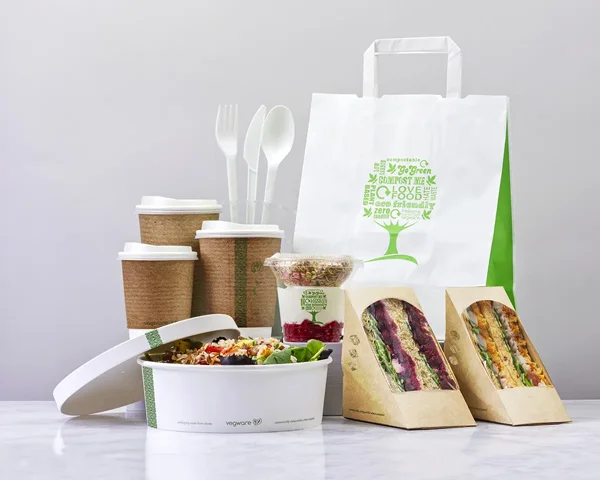
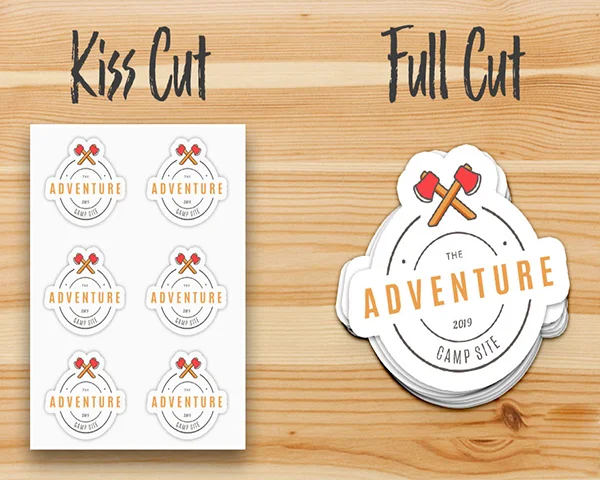
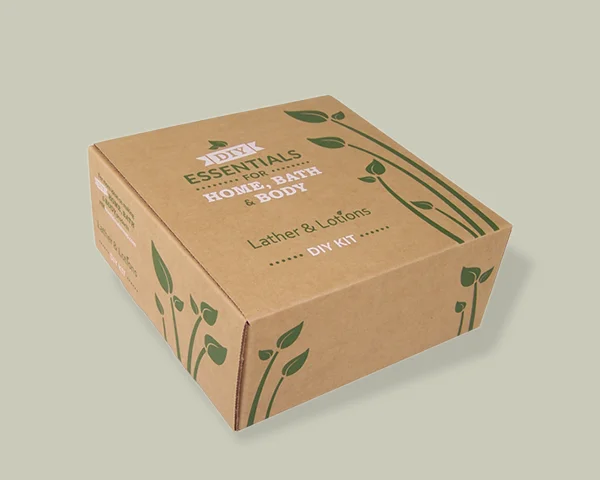
A curated selection of packaging products that fly off our shelves. Our customers love these bestsellers for their practicality and visual appeal, ensuring your products stand out and attract more buyers.
Making a brochure is a useful project. An excellent brochure can effectively convey your message, whether this is for your company, an event, or personal use. The simplest method for folding paper into a brochure will be explained in this guide.
 Understanding Brochure Types
Understanding the different types of brochures will be useful before we begin folding. Z-fold, tri-fold, and half-fold are three common types. Every type has a different use and style.
Half-Fold
The most basic kind is the half-fold brochure. Half of paper is folded to make two equal sections. Programs, invitations, or simple informational pamphlets are often printed in this style. It works well when you want a simple layout and have little content.
Tri-Fold
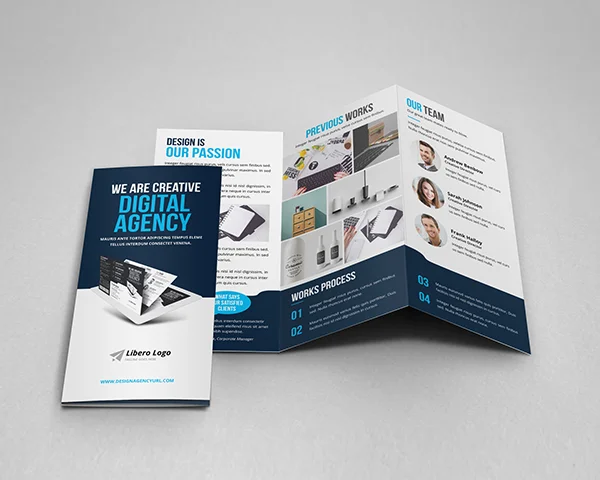
Folding paper into three sections is the more popular tri-fold brochure. This kind is frequently utilized in marketing materials and is helpful for further details.
Z-Fold
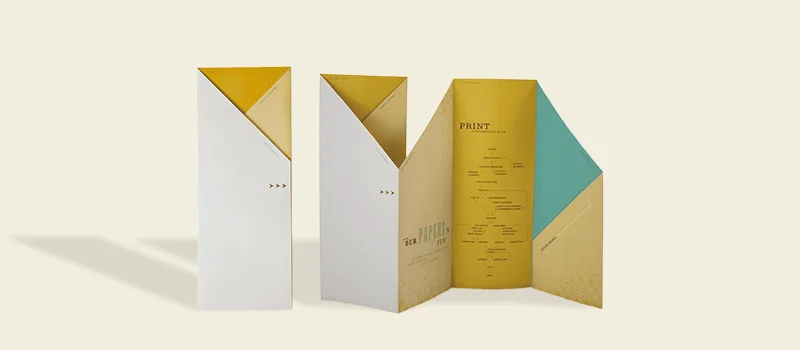
A “Z”-shaped fold in the paper is used to create a zigzag fold, or “z-fold” brochure. This kind unfolds easily and works well for timelines or step-by-step instructions. With a new section of content showed at each fold, it is an exciting method to present information.
Choosing the Right Paper
The durability and appearance of your brochure can be determined by the paper’s quality. It is usually preferred to use thicker paper or cardstock because it provides a polished appearance and holds folds well. While standard printer paper can function, it may not withstand multiple folds as well.
Consider finish when choosing paper. Matte paper provides a more understated, stylish finish, but glossy paper can make colors pop and appear more vibrant.
Preparing Your Design
It is important to prepare your design before folding. Make sure that every element text, picture, and other is placed properly. Utilize templates or design software for helping in alignment. Before producing final copies, print a test page to ensure everything is as it should.
Arrange the content so that no important information is left missing or confused. Distribute text and images evenly between all panels to create a balanced design. This guarantees a logical and attractive arrangement.
Measuring and Scoring
Mark the precise positions of the folds with a ruler. To achieve neat, tidy folds, score the paper along these lines using a bone folder or the back of a knife. When scoring heavier paper or cardstock, it is essential. It guarantees accurate folding and reduces the chance of cracking.
Folding the Paper
Let’s fold the paper now to create the desired style of brochure. For each style of fold, follow to these steps:
Half-fold Brochure
Place the paper down on a level surface.
Carefully align the edges when folding the paper in half lengthwise.
Apply pressure to the fold to make a crease. If necessary, use a bone folder or ruler to make the crease sharper.
Tri-Fold Brochure
Place the paper down on a level surface.
Measure the paper and divide it into three equal parts.
Fold the left section over the right section along the second mark, then fold the right section inside along the first mark.
Check that all of the edges are in alignment, then press down to make creases.
Z-Fold Brochure
Place the paper out flat on the surface to begin.
Measure the paper and divide it into three equal parts.
Along the first mark, left section is folded over the center section.
Along the second mark, right section is folded under the center section.
To make crisp creases, align the edges and apply pressure.
Creating Custom Brochure Sizes
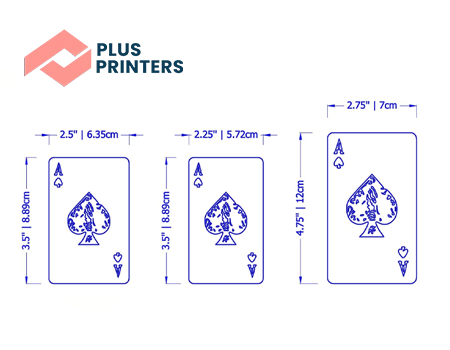
A typical letter-sized brochure may not perfect for your purposes. If you cut the paper before folding it, you can make unique brochure sizes. For example, you can cut the paper to a precise size and fold it appropriately if you need a smaller brochure.
Determine the paper’s size by measuring and cutting it.
When folding a half-fold, tri-fold, or z-fold, follow to the folding directions, making any necessary measurement adjustments.
Final Touches
Check your brochure for any discrepancies or uneven folds after folding. Using a bone folder or ruler, press along the folds to smooth out any imperfections. Use a paper cutter to level out any uneven edges if necessary.
Consider including additional elements to improve the brochure’s appearance. A cover design, unique finishing techniques like foil stamping or embossing, or even punctured areas for tear-off coupons are all possible additions. These final details can give your brochure a professional appearance.
 Adding Visual Attraction
Make sure your brochure has a strong visual presence. Make use of attractive pictures and graphics to improve your writing. Easy to read fonts and color schemes that match your brand or theme are essential. To keep the layout readable and clear, use white space instead of packing the panels with too much information.
Printing Your Brochure
A professional printing service might be beneficial if you are printing a lot of brochures. They can guarantee that the paper is of higher quality, colors are bright, and the folds are accurate. A decent home printer can work for smaller quantities; just remember to adjust the settings for optimal print quality.
Distribution and Usage
When your brochures are prepared, consider the best way to deliver them. They can be distributed at gatherings, included in mailings, or placed on display in locations where people in your target market are likely to see them.
The process of making a brochure requires careful planning, accurate folding, and intelligent design. These steps will help you create a brochure that appears professional and conveys your message clearly. A strong brochure is an effective tool for reaching your audience, regardless of what you want to promote, a company, an occasion, or an idea.
I have been working with several companies - trying to nail down a box size and type for my organic tea business. Chris Martin was the ONLY rep in all of the companies I reached out to who was responsive, helpful, and walked me through the entire process. It was an absolute pleasure to give my small business dollars to Plus Printers! I will provide another review after I receive my custom product!
Chris Martin was so helpful and responsive! We needed custom folders made and looked at various different companies, but Plus Printers ended up offering the best quality and price. This was our first time ordering, but Chris guided us through every step and even sent us videos of sample folders and mockups of our final product so we could proceed with confidence. Thank you Chris and Plus Printers, we will definitely re-order when we run out of this batch.
Company
replied
We are very pleased with our packaging design! It was great working with Steven, I almost didn't work with Plus Printers because of their pricing but Steven went out of his way to try and negotiate prices with the sales department to fit our budget and offered us more budget-friendly packaging options as alternatives. Very responsive to my emails and made sure that our designs were how we wanted them! I look forward to working with them again soon!
wonderful service from a company that went beyond expectation to help my project get up and running smoothly. My sales rep, Paul, and the design team at Plus Printers made sure to have every detail in place and gave me a quote other companies could not touch! Lead times were accurate and updates for shipping were by far the most stellar i have yet to see. Thanks a milion!